Images

Farewell images to share

21 images with messages, grouped by who they are for. Pick one and share it on WhatsApp or Instagram, or save it to your phone. Free, no sign-up.
For a friend

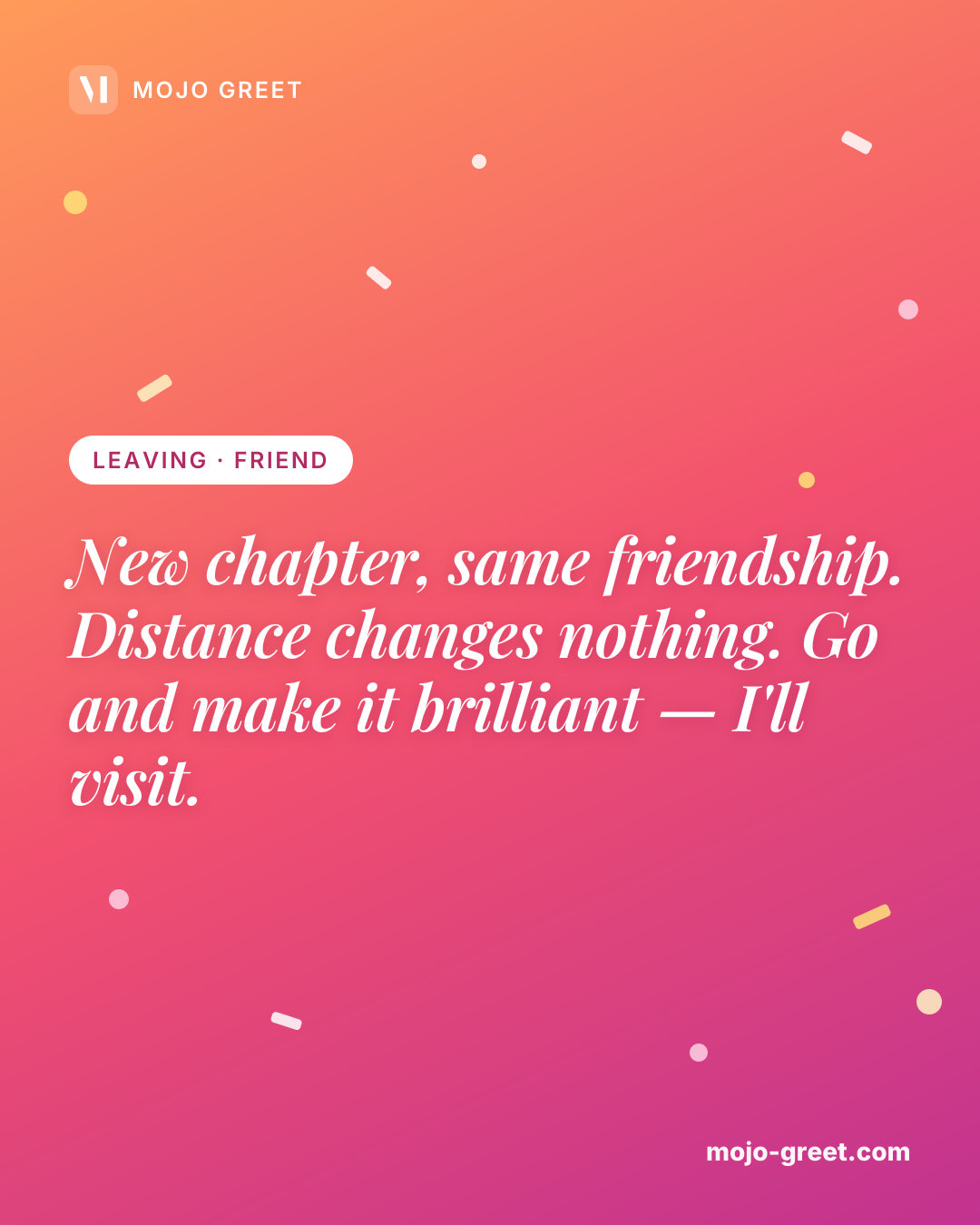
Image with message (Leaving · Friend): New chapter, same friendship. Distance changes nothing. Go and make it brilliant — I'll visit.
Save
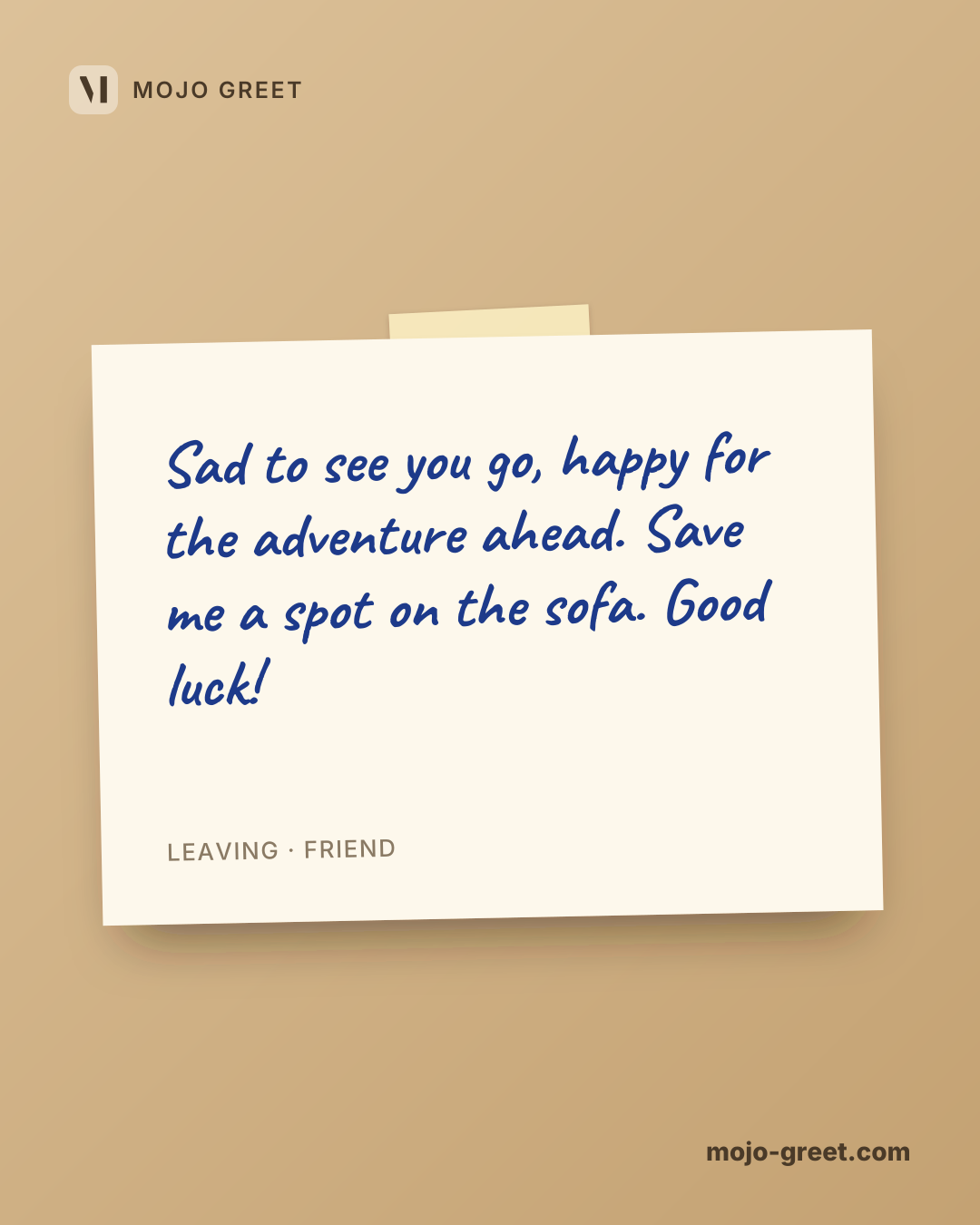
Image with message (Leaving · Friend): Sad to see you go, happy for the adventure ahead. Save me a spot on the sofa. Good luck!
Save
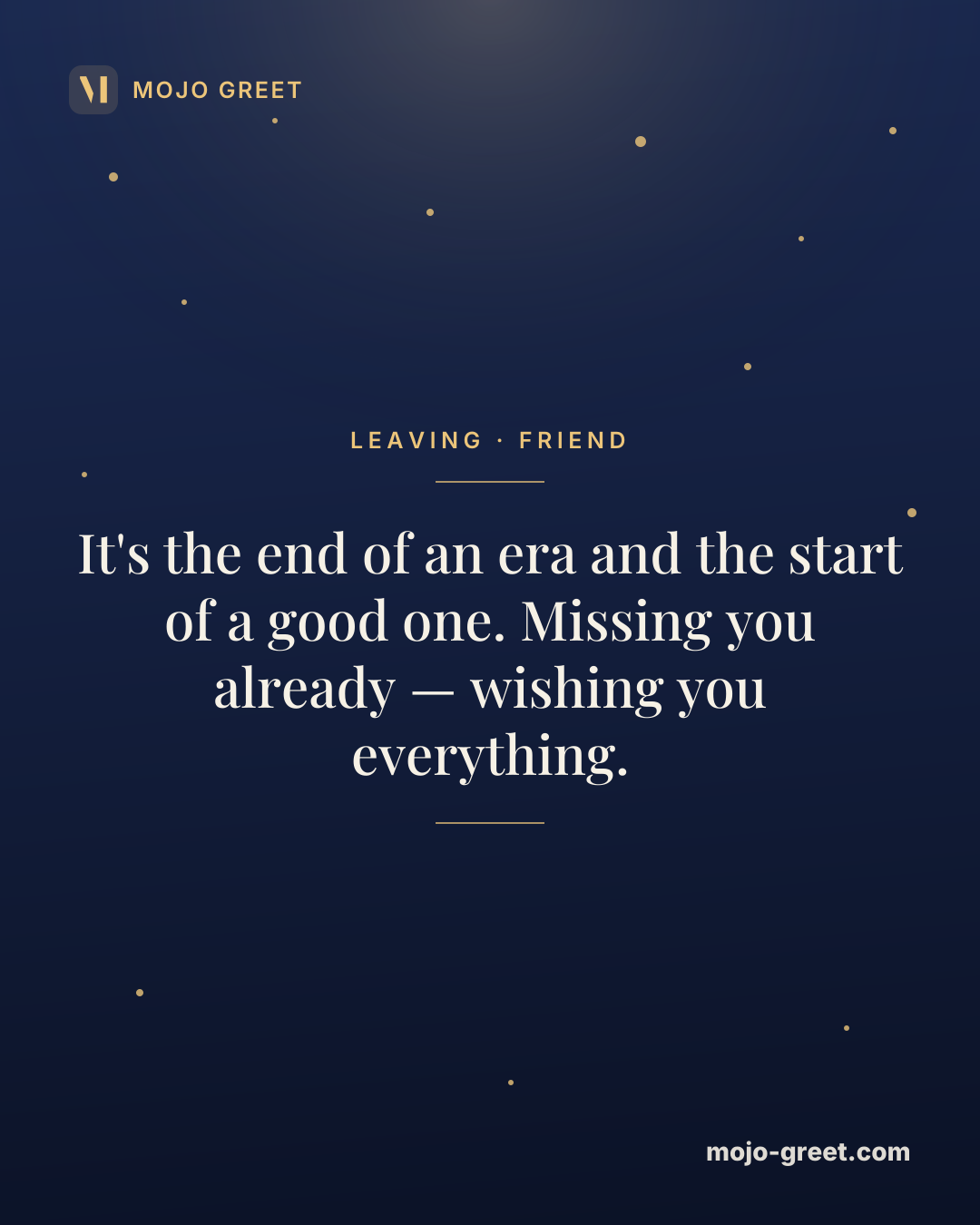
Image with message (Leaving · Friend): It's the end of an era and the start of a good one. Missing you already — wishing you everything.
Save
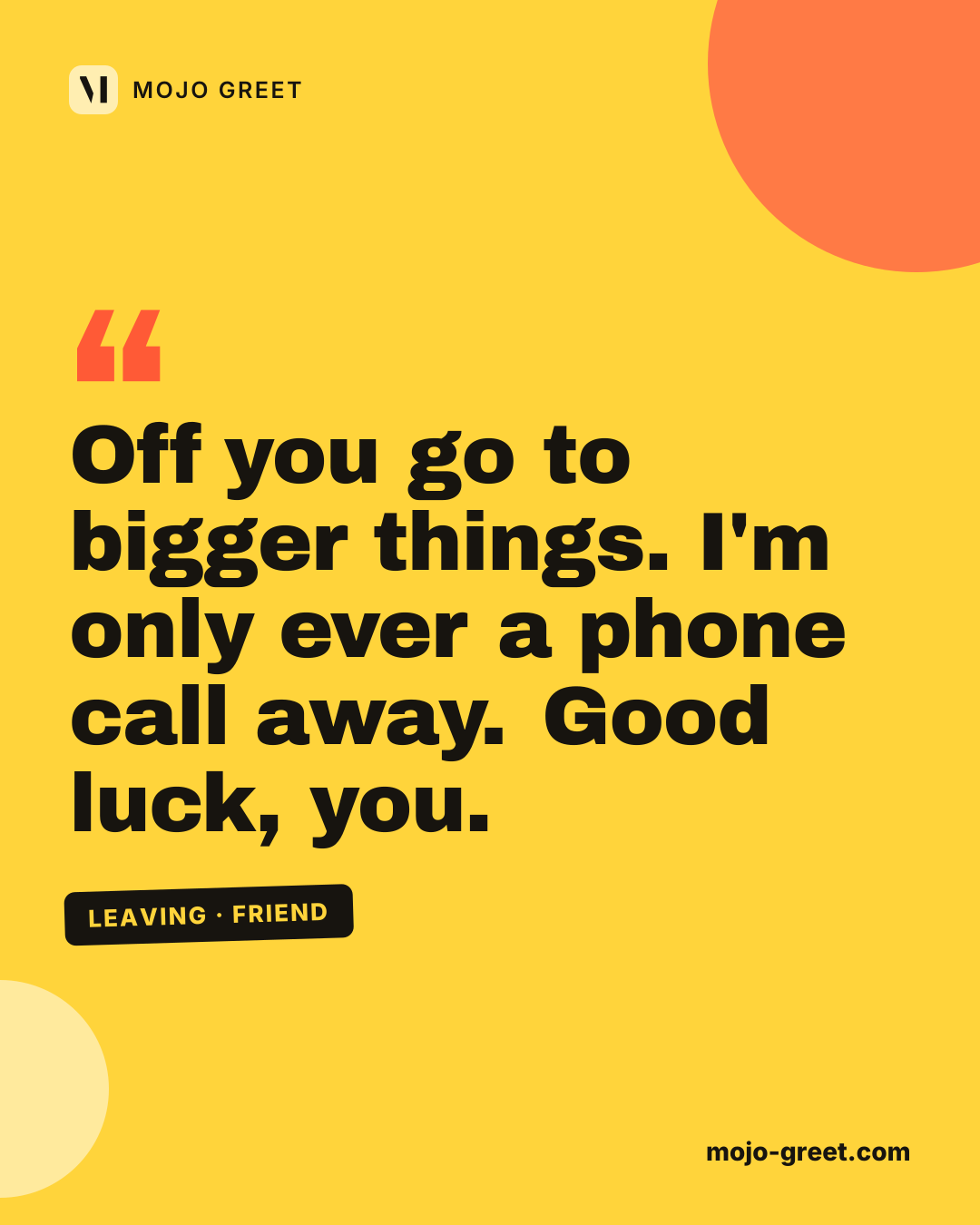
Image with message (Leaving · Friend): Off you go to bigger things. I'm only ever a phone call away. Good luck, you.
Save
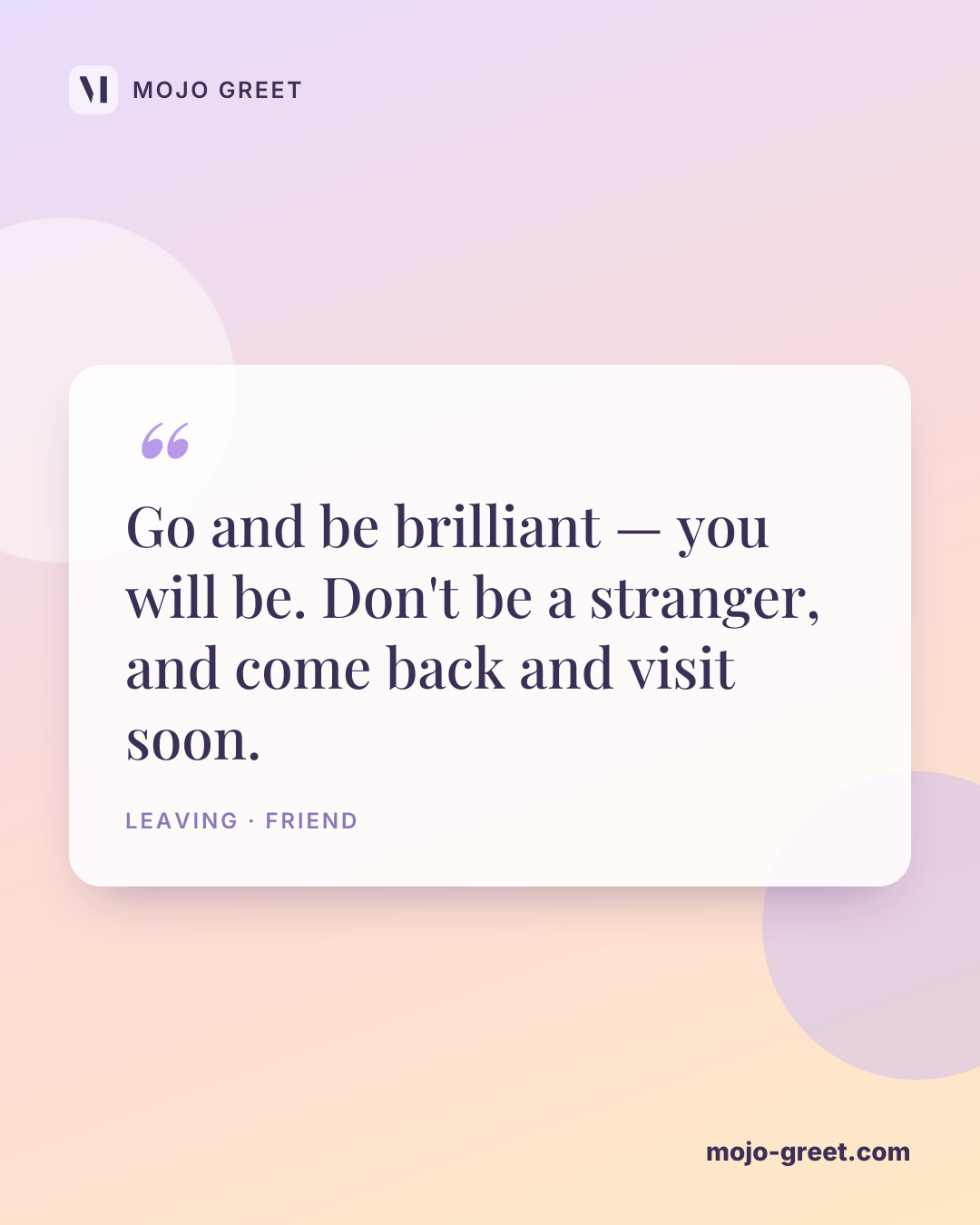
Image with message (Leaving · Friend): Go and be brilliant — you will be. Don't be a stranger, and come back and visit soon.
Save

For a colleague

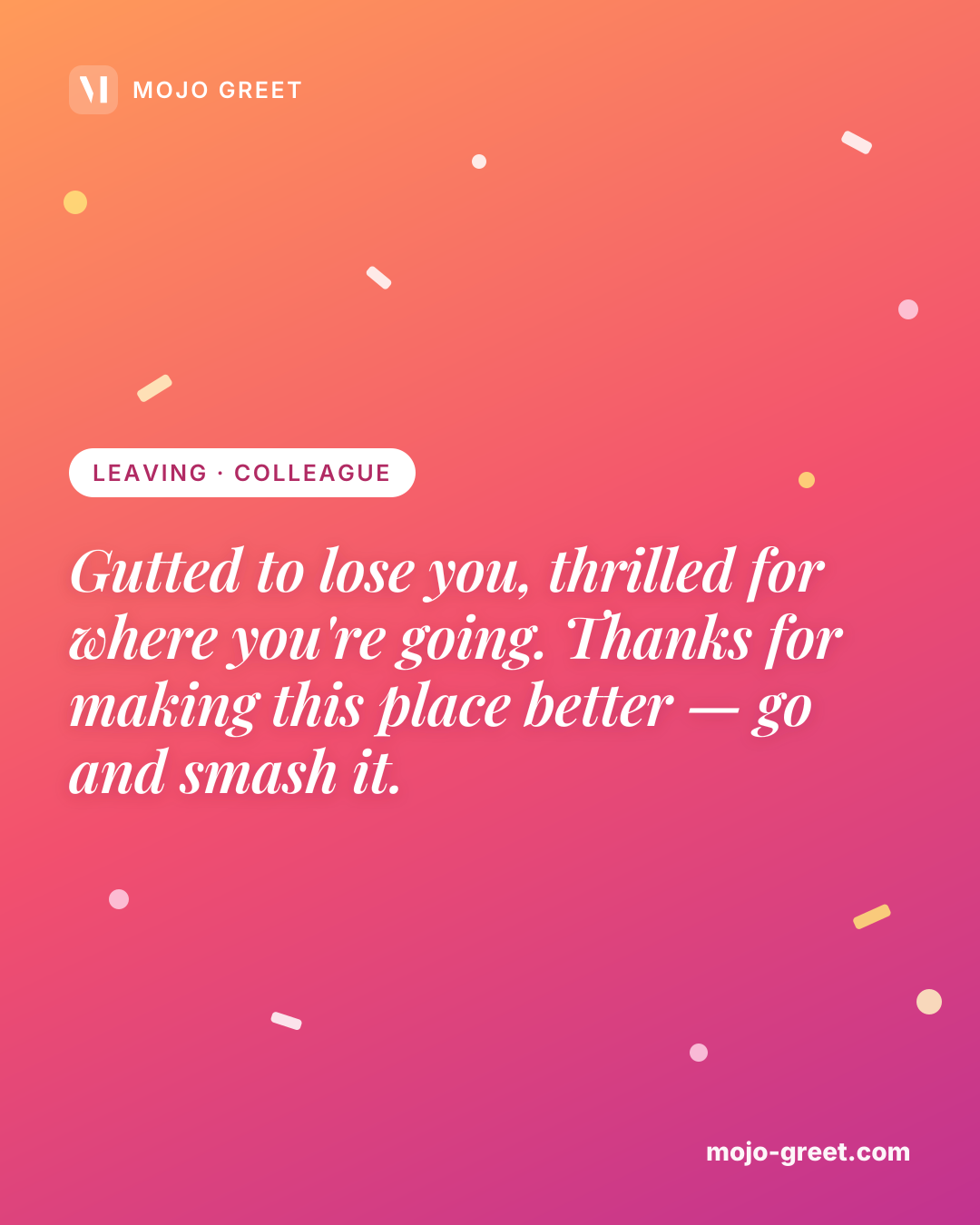
Image with message (Leaving · Colleague): Gutted to lose you, thrilled for where you're going. Thanks for making this place better — go and smash it.
Save
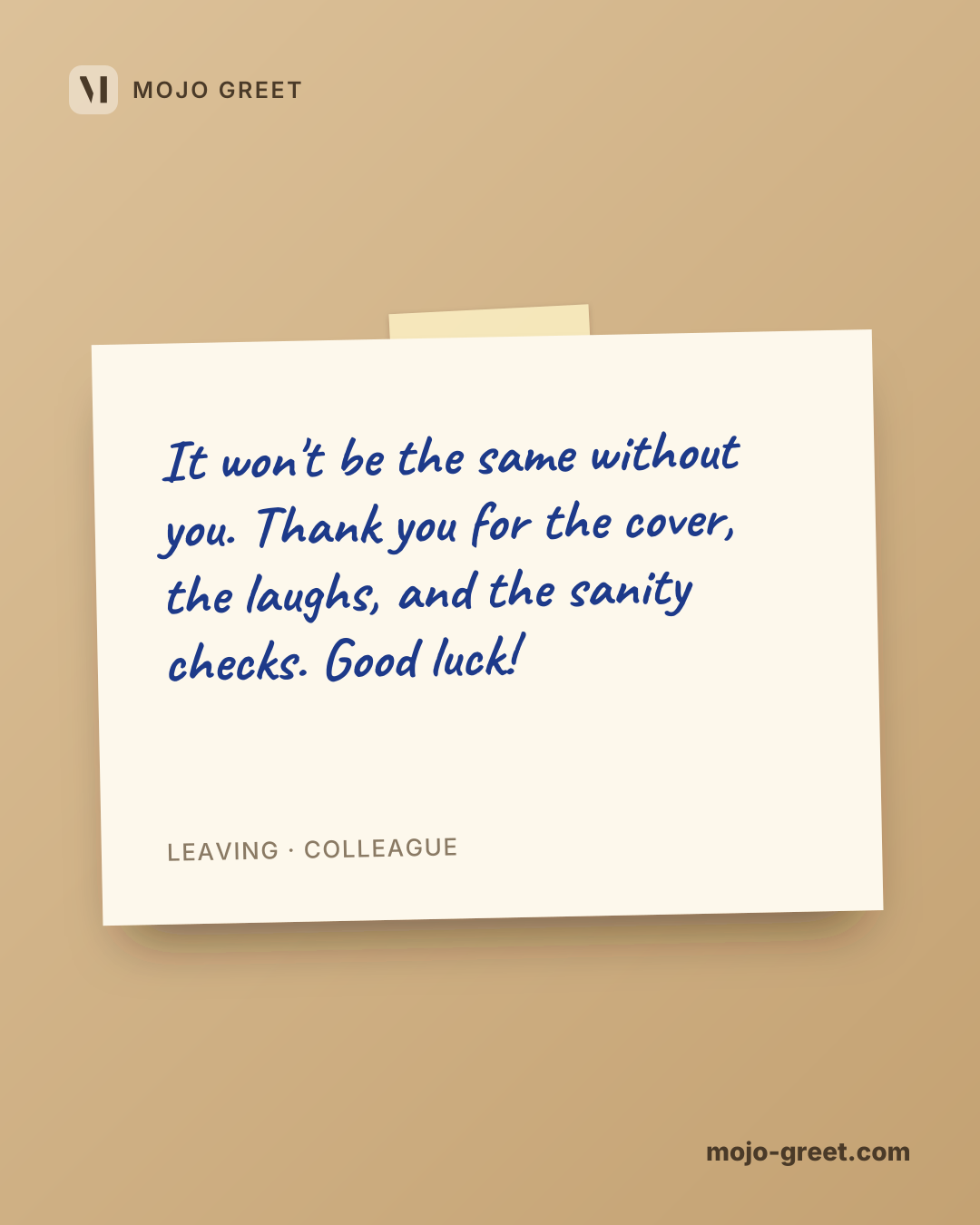
Image with message (Leaving · Colleague): It won't be the same without you. Thank you for the cover, the laughs, and the sanity checks. Good luck!
Save
Image with message (Leaving · Colleague): You leave a gap and a high bar. Wishing you a brilliant next chapter — and don't be a stranger.
Save
Image with message (Leaving · Colleague): Thank you for being the best kind of colleague. Onwards and upwards — you've earned it.
Save
Image with message (Leaving · Colleague): Sad to see you go, but so happy for you. Keep in touch, and good luck with everything ahead.
Save

For your boss

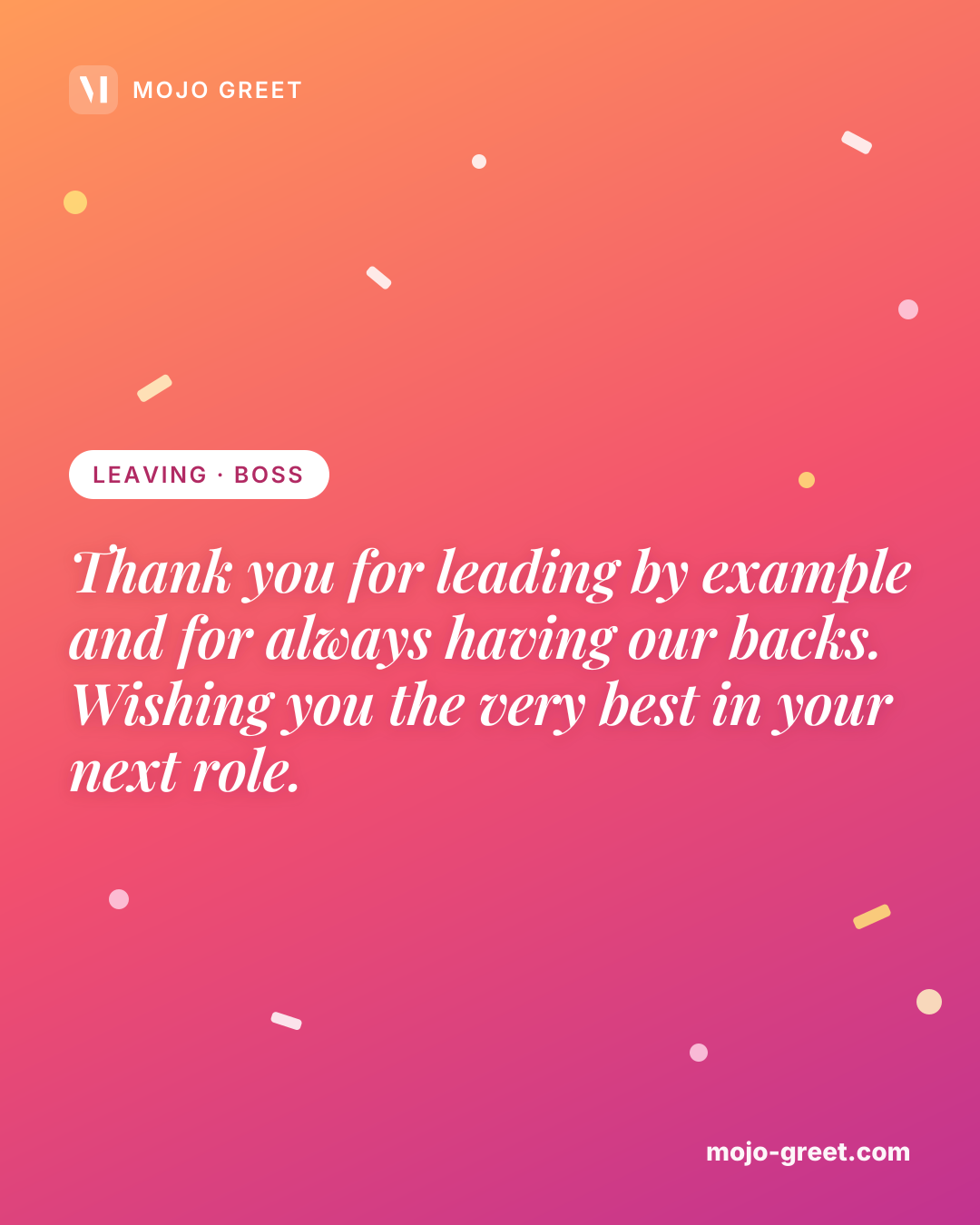
Image with message (Leaving · Boss): Thank you for leading by example and for always having our backs. Wishing you the very best in your next role.
Save
Image with message (Leaving · Boss): You made this a place worth working at. Good luck with what's next — you'll be brilliant.
Save
Image with message (Leaving · Boss): It's been a privilege to learn from you. Thank you for everything, and good luck with the move.
Save
Image with message (Leaving · Boss): The best boss sets people up to succeed, and you did exactly that. Wishing you all the best ahead.
Save
Image with message (Leaving · Boss): Sorry to see you go, grateful for everything you taught us. Good luck — knock 'em dead.
Save

For a client

Image with message (Leaving · Client): It has been a pleasure working with you, and I wish you every success in the future.
Save
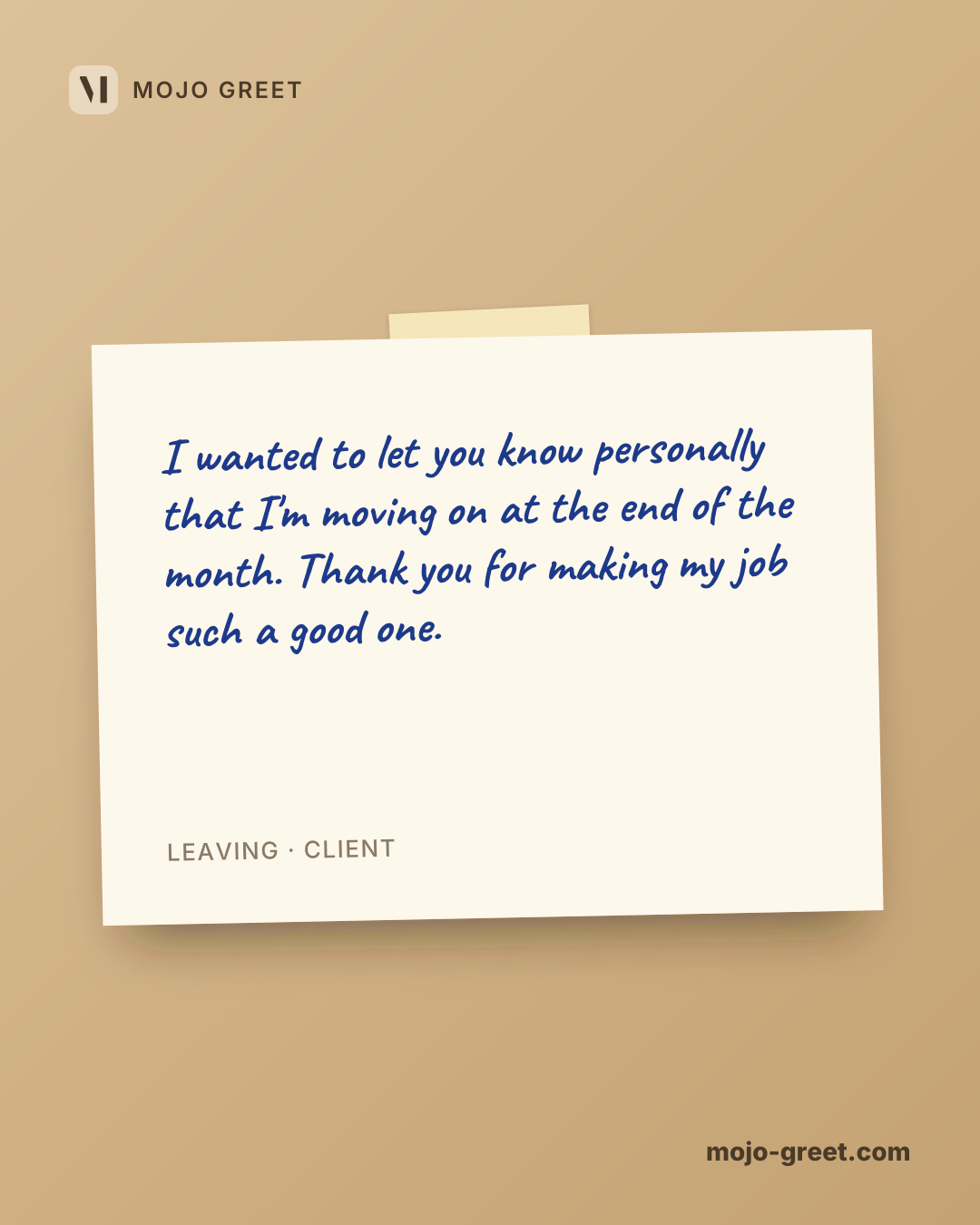
Image with message (Leaving · Client): I wanted to let you know personally that I'm moving on at the end of the month. Thank you for making my job such a good one.
Save
Image with message (Leaving · Client): Congratulations on your new role. They are lucky to have you, and we'll miss working with you.
Save
Image with message (Leaving · Client): Enjoy a long and happy retirement. Few people have earned one more.
Save
Image with message (Leaving · Client): May the years ahead be filled with family, travel and well-earned rest.
Save
Image with message (Leaving · Client): Each of us has a story about working with you, and they're all good ones.
Save

How to share an image

  1. 1

    Pick an image

    Scroll to the person it is for and choose the message that sounds like you.

  2. 2

    Tap Share

    On a phone the image opens in your share sheet: choose WhatsApp, Instagram, Messages or any other app.

  3. 3

    Or save it

    Tap Save to keep the image on your phone or computer and send it whenever you like.

Questions about the images

Are these images free?

Yes. Every image on this page is free to share and to save, and you do not need an account.

Can I share them on WhatsApp or Instagram?

Yes. On a phone, tap Share and pick WhatsApp, Instagram, Messages or any other app from your share sheet: the image itself is sent. Where a browser cannot share files, Share opens WhatsApp with the message and a link to the image instead; or use Save and attach the file yourself.

Can I change the text on an image?

Yes: make a card with your own words. Open the Mojo Greet card maker, choose a design, write your message and send it as a link. The images on this page keep the text they have.

What size are the images?

1080 × 1350 pixels, portrait (4:5), as a PNG file. That fills most of a phone screen in WhatsApp and is the portrait size Instagram uses for posts.

May I use these images?

Yes, for personal use: send them to family, friends and colleagues or post them on your own profile. They are not meant for resale or advertising.

Rather say it in your own words?

Choose a design, write your message and send it as a card. Free, no account needed.